Before you start
- A sending domain verified in Galon Mail: see Set up DNS for your sending domain.
curl(or Python 3, or Node.js 18+).
1. Activate Galon Mail
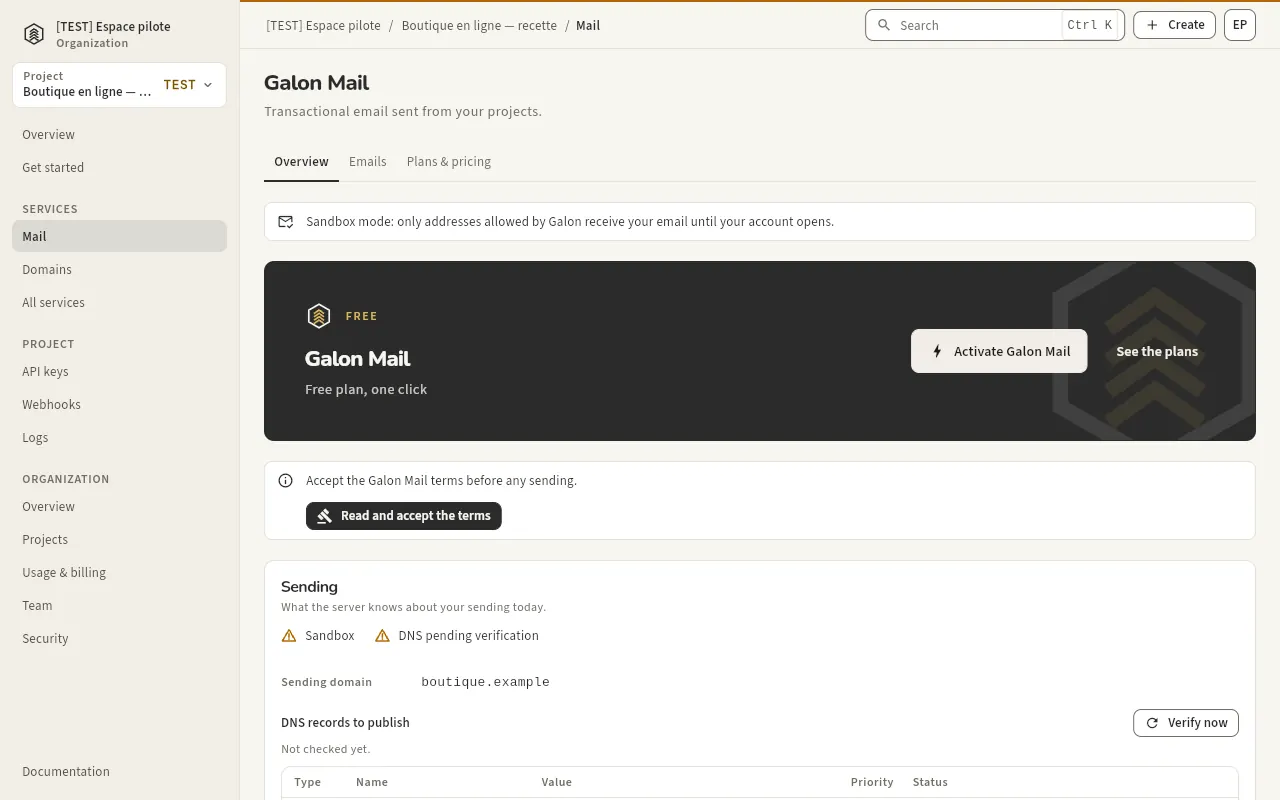
Console › Mail. Accept the Galon Mail terms once (Read and accept the terms), then Activate Galon Mail to start on the Free plan.
2. Set your key
Create a key with Send emails (Create an API key) and export it with the API base. Keep it server side.
export GALON_API_BASE="https://api.galon.ai/v1"
export GALON_API_KEY="gln_..."      # from the console, shown once: never commit it
export GALON_MAIL_FROM="Acme <hello@your-verified-domain.com>"
3. Check what the key can do
GET /v1/tools lists the tools this key may call, its project and its environment. mail.send must be in the list.
curl -s "$GALON_API_BASE/tools" \
  -H "Authorization: Bearer $GALON_API_KEY"
Expected output
{
  "tools": [ { "id": "mail.send", "scope": "mail:send", ... } ],
  "project_id": "…",
  "environment": "live"
}
With MCP: get_status
{"tool": "get_status", "arguments": {}}4. Send the email
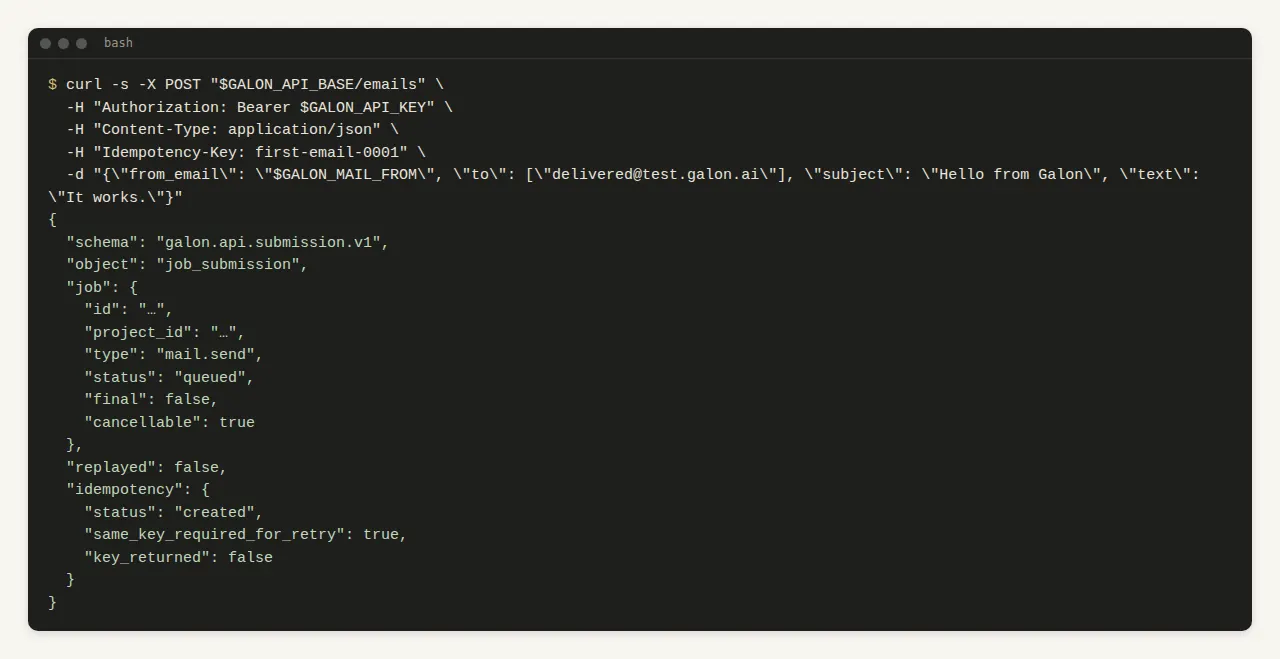
One Idempotency-Key per email, reused if you retry. The answer is 202 with the email job. The address delivered@test.galon.ai simulates a delivery and does not count towards your quota.
curl -s -X POST "$GALON_API_BASE/emails" \
  -H "Authorization: Bearer $GALON_API_KEY" \
  -H "Content-Type: application/json" \
  -H "Idempotency-Key: first-email-0001" \
  -d "{\"from_email\": \"$GALON_MAIL_FROM\", \"to\": [\"delivered@test.galon.ai\"], \"subject\": \"Hello from Galon\", \"text\": \"It works.\"}"
Expected output
{
  "schema": "galon.api.submission.v1",
  "object": "job_submission",
  "job": { "id": "…", "type": "mail.send", "status": "queued", ... },
  "replayed": false,
  "idempotency": { "status": "created", "same_key_required_for_retry": true, "key_returned": false },
  "email": { "id": "…", ... }
}
With MCP: send_email
{"tool": "send_email", "arguments": {"idempotency_key": "first-email-0001", "from": "$GALON_MAIL_FROM", "to": ["delivered@test.galon.ai"], "subject": "Hello from Galon", "text": "It works."}}5. Read its status
Use the email.id of the answer. status moves to a final state, with its delivery events.
curl -s "$GALON_API_BASE/emails/<email id>" \
  -H "Authorization: Bearer $GALON_API_KEY"
With MCP: get_email
{"tool": "get_email", "arguments": {"id": "<email id>"}}