Before you start
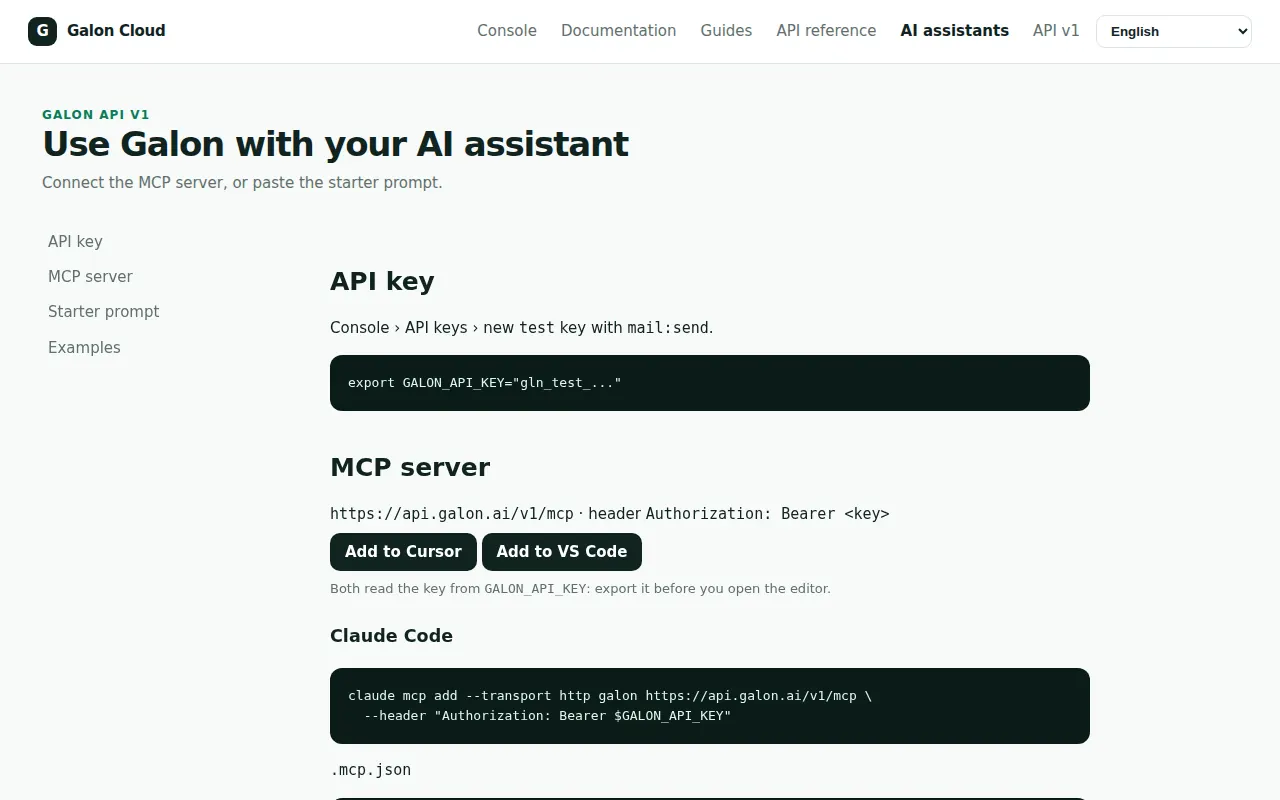
- An API key with only the scopes the agent needs: Create an API key.
- Claude Code, Cursor or VS Code.
1. Export the key
The configuration reads the key from the environment: it is never written in a file.
export GALON_API_KEY="gln_..."2. Add the server
Claude Code: a .mcp.json file in your project. Cursor: a .cursor/mcp.json file. The page AI assistants has every other tool: Claude Code, OpenAI Codex, Cursor, VS Code, Devin Desktop, OpenCode, Kiro, GitHub Copilot coding agent, Lovable and Manus.
Claude Code — .mcp.json
{
  "mcpServers": {
    "galon": {
      "type": "http",
      "url": "https://api.galon.ai/v1/mcp",
      "headers": { "Authorization": "Bearer ${GALON_API_KEY}" }
    }
  }
}
Cursor — .cursor/mcp.json
{
  "mcpServers": {
    "galon": {
      "url": "https://api.galon.ai/v1/mcp",
      "headers": { "Authorization": "Bearer ${env:GALON_API_KEY}" }
    }
  }
}
3. Check the tools
Ask the agent to call get_status, or list the tools yourself. tools/list shows only what your account has and your key can call.
curl -s "https://api.galon.ai/v1/mcp" \
  -H "Authorization: Bearer $GALON_API_KEY" \
  -H "Content-Type: application/json" \
  -H "Accept: application/json, text/event-stream" \
  -d '{"jsonrpc": "2.0", "id": 1, "method": "tools/list"}'
Expected output
{"jsonrpc": "2.0", "id": 1, "result": {"tools": [
  {"name": "get_status", ...}, {"name": "send_email", ...}, {"name": "get_email", ...}, ...
]}}
With MCP: get_status
{"tool": "get_status", "arguments": {}}4. Let the agent work
Paste a task such as: *Send a test email to delivered@test.galon.ai with Galon, then show me its status.* The agent calls send_email with an idempotency_key, then get_email. Errors carry detail.code and next_action.
With MCP: send_email
{"tool": "send_email", "arguments": {"idempotency_key": "agent-test-0001", "to": ["delivered@test.galon.ai"], "from": "$GALON_MAIL_FROM", "subject": "Hello from Galon", "text": "It works."}}