Before you start
- A verified sending domain and a key with
mail:send(Create an API key).
1. Use these settings
Port 587 upgrades with STARTTLS; port 465 is TLS from the first byte. The From address must be on a verified domain of the key's project.
host: smtp.galon.ai
port: 587 (STARTTLS) or 465 (TLS)
user: galon
pass: your API key (scope mail:send)
2. Send a test message
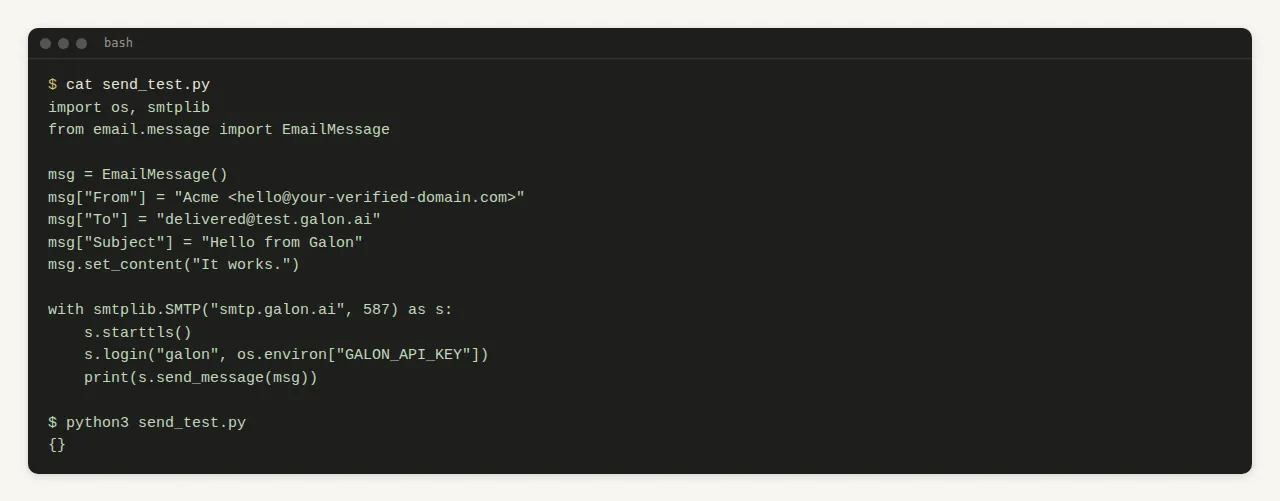
Python's standard library is enough. A message accepted by Galon returns no refused recipient.
import os, smtplib
from email.message import EmailMessage

msg = EmailMessage()
msg["From"] = "Acme <hello@your-verified-domain.com>"
msg["To"] = "delivered@test.galon.ai"
msg["Subject"] = "Hello from Galon"
msg.set_content("It works.")

with smtplib.SMTP("smtp.galon.ai", 587) as s:
    s.starttls()
    s.login("galon", os.environ["GALON_API_KEY"])
    print(s.send_message(msg))
Expected output
{}
3. Find it in the API
Each SMTP message becomes one email job, listed in GET /v1/emails with the same statuses as an API send.
With MCP: list_emails
{"tool": "list_emails", "arguments": {}}